Payment Types
Which payment steps do I need?
Section titled “Which payment steps do I need?”The payment steps are part of Starting a New Sale:
- Card (credit, debit, or tap-to-pay) is the most common.
- Cash
- Gift card
- More than one method, such as a gift card plus cash
- iPad sales, when the registers are down: see iPad Sales
This page covers the one case not in that flow: entering a card by hand.
Manual card entry
Section titled “Manual card entry”Sometimes you have to enter a credit card manually:
- The customer is having trouble with the card machine.
- It’s a phone order.
- An international credit card isn’t processing correctly.
-
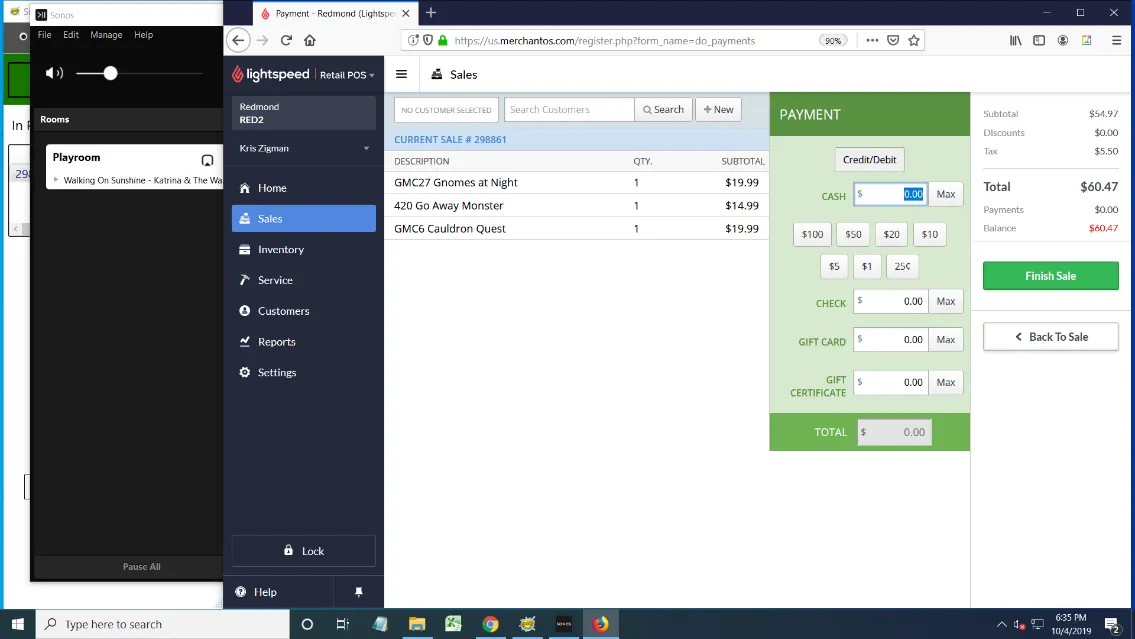
Start the sale as a normal sale, following the steps for a card payment.
-
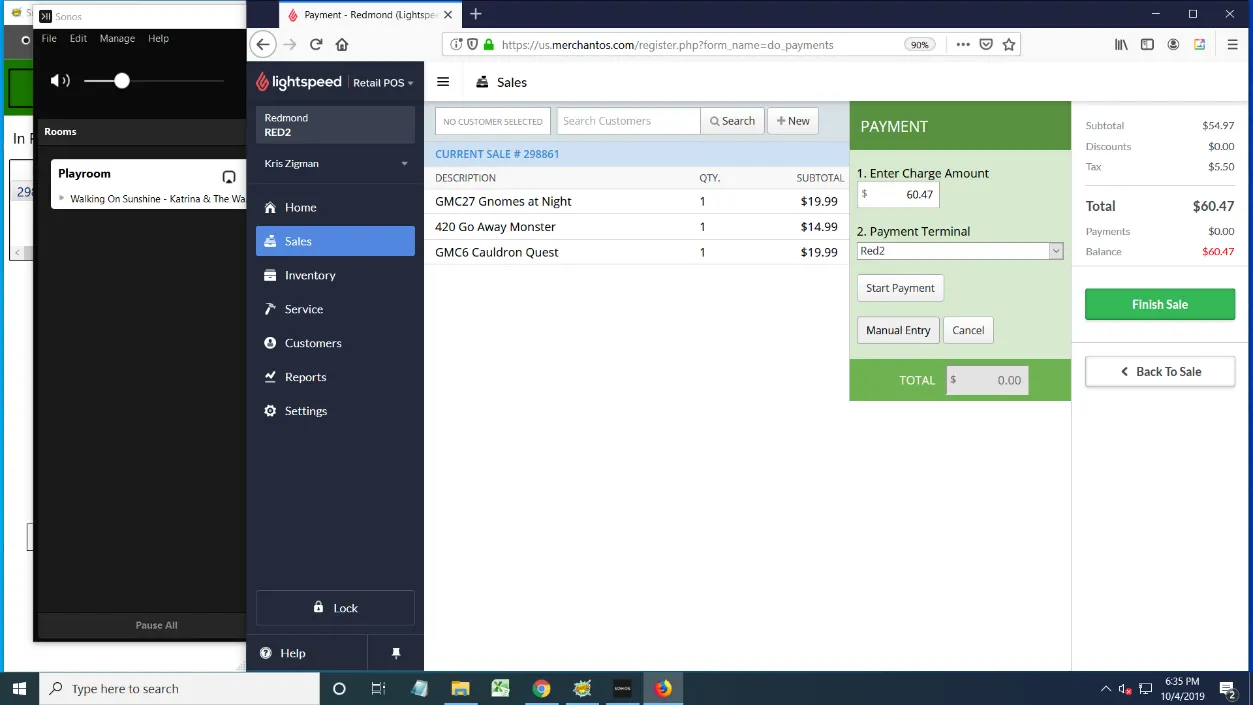
This time, select Manual Entry instead of Start Payment.
-
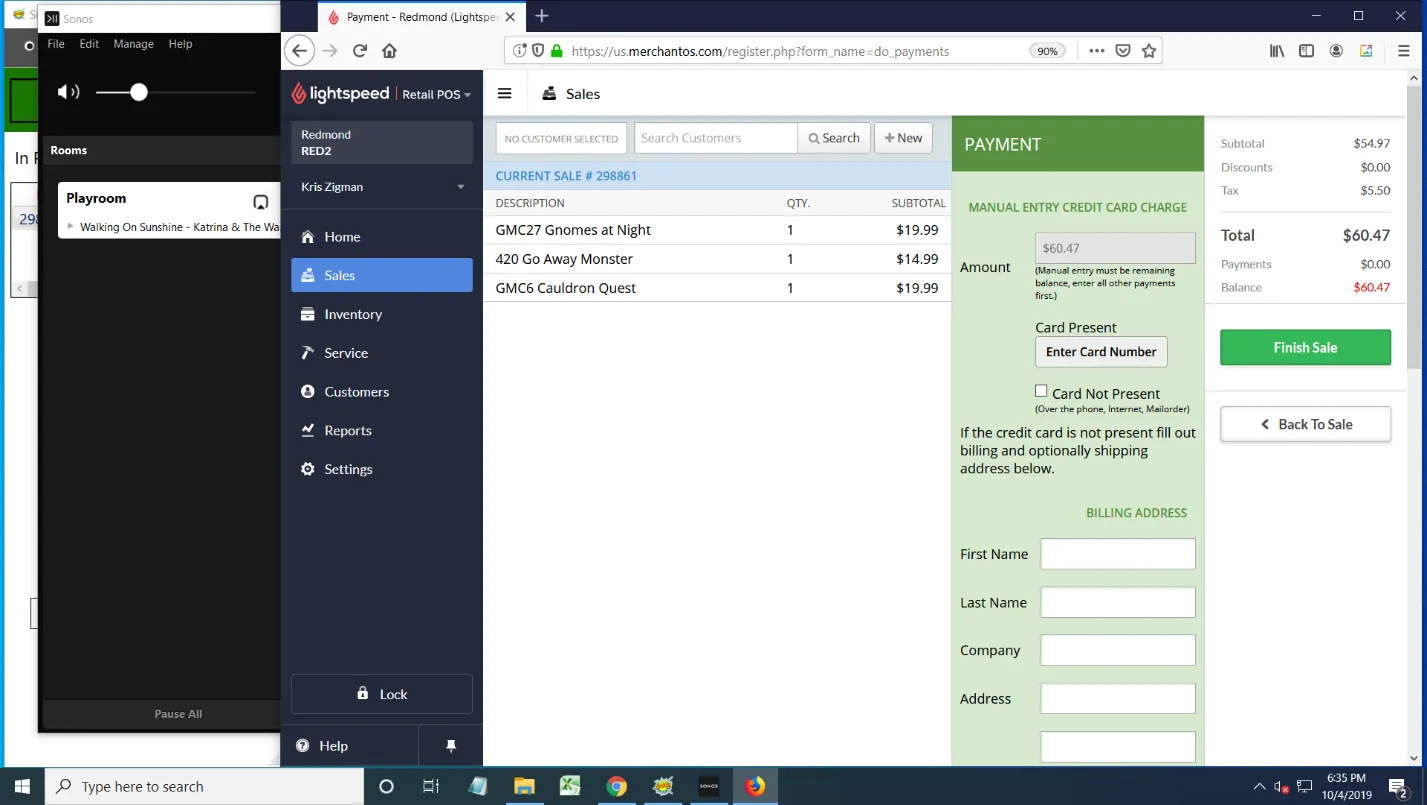
On this screen there are only two things to pay attention to:
- Card Not Present: check this box if you’re doing a phone order.
- Click the Enter Card Number button. Don’t fill out any other information on this page.
-
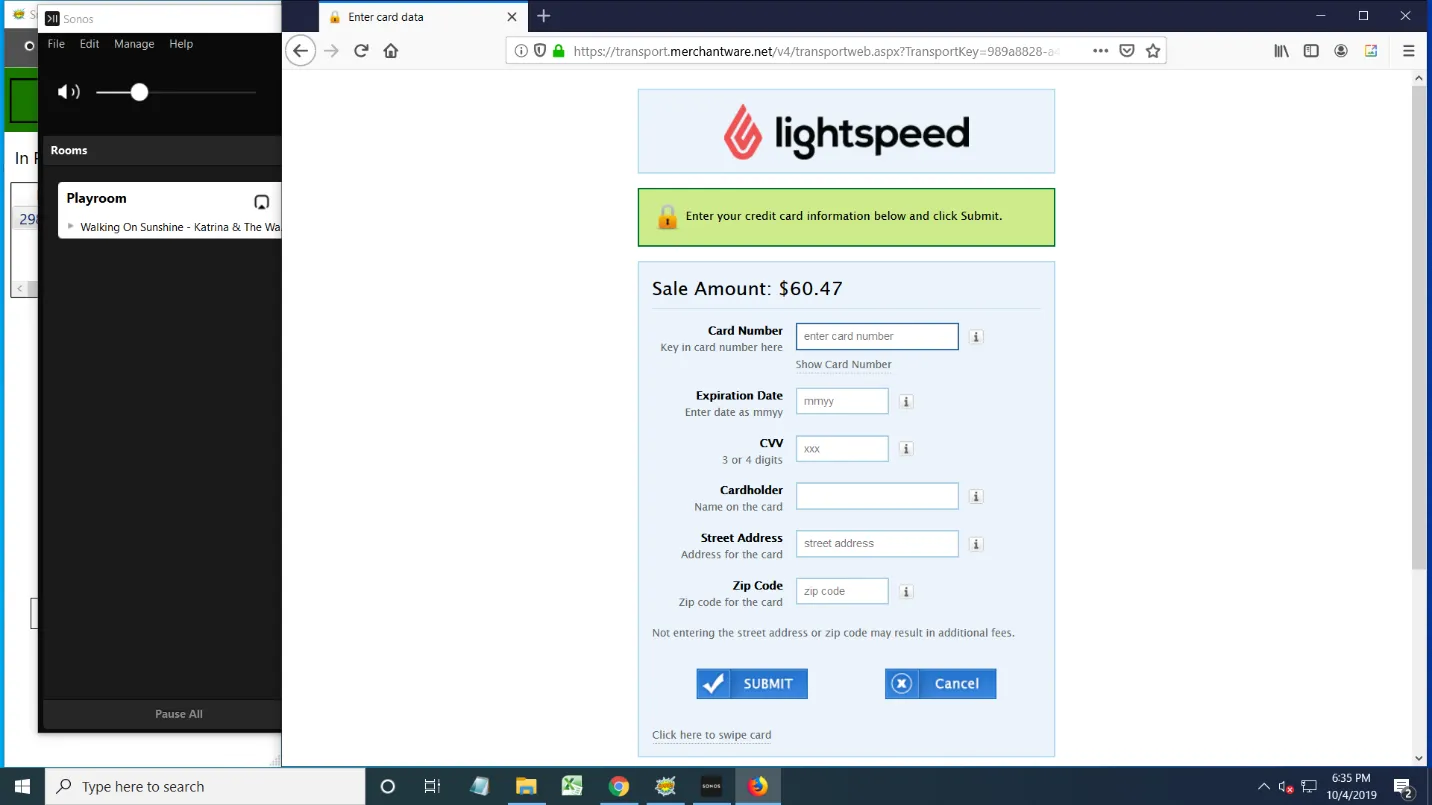
On the next screen, fill out all of the information, then click Submit.