Gift Cards
All gift card operations are done on the Verifone machine, not in Lightspeed.
-
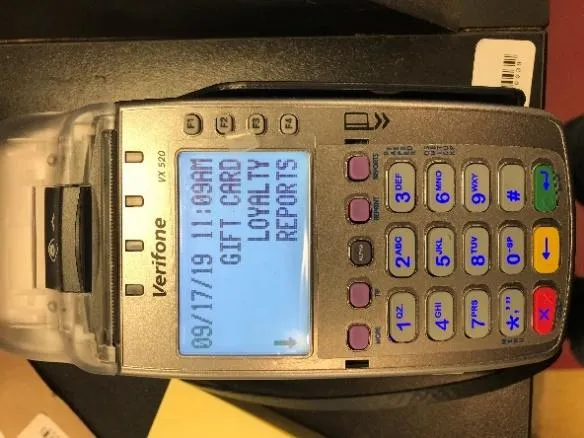
Start at the main Verifone screen. If you don’t see it, press F4. Then press F2 for Gift Cards.
-
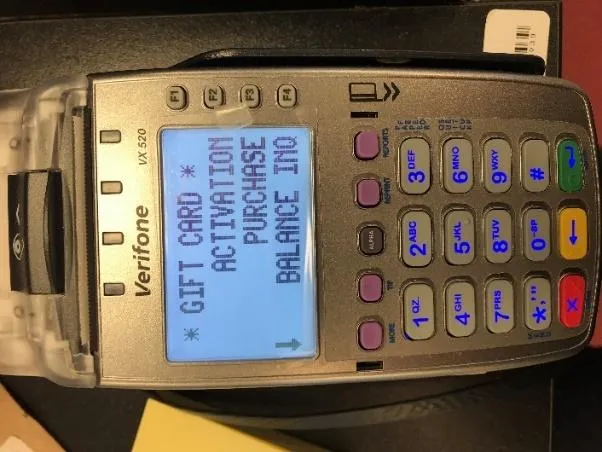
On the Gift Card menu, choose what you’re doing:
- A customer wants to buy a gift card: F2, Activation. See Activating a gift card.
- A customer wants to pay with a gift card: F3, Purchase. See Paying with a gift card.
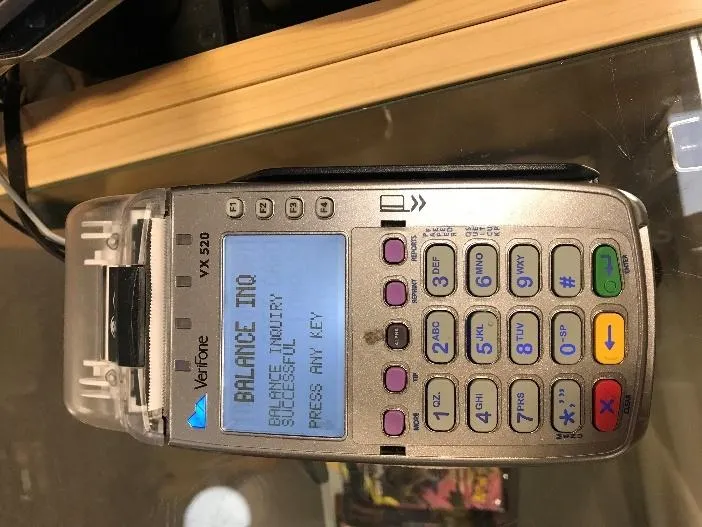
- A customer doesn’t know the balance: F4, Balance Inq. See Checking a balance.
Swiping or keying in a card
Section titled “Swiping or keying in a card”Every gift card operation starts by swiping the card, with the black strip facing left.
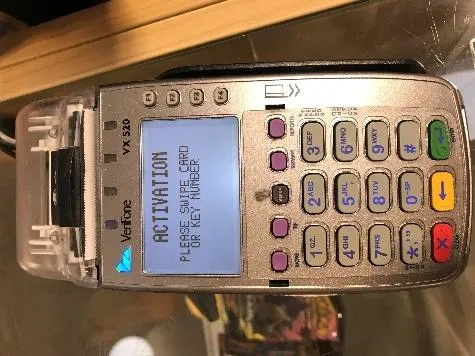
If the magnetic strip won’t swipe, key the number on the back of the card into the Verifone instead. You have to enter all 19 digits. When you’re done, press the green button.
Activating a gift card
Section titled “Activating a gift card”Use this when a customer is buying a gift card. You’ve already chosen F2, Activation.
-
Swipe the gift card, or key in its number.
-
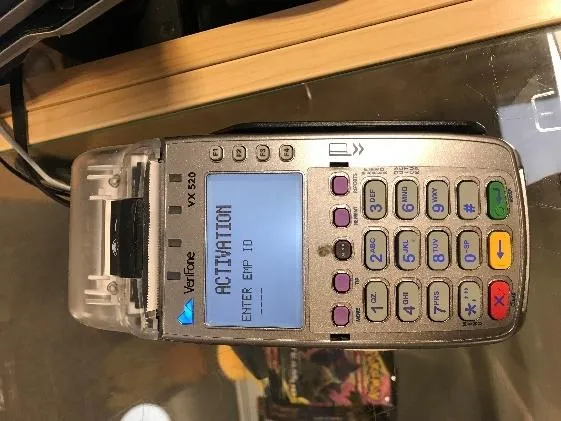
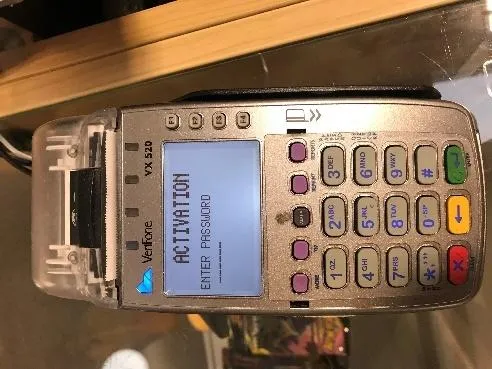
When asked, enter your password and your employee ID, pressing the green Enter button after each.
-
Enter the amount the customer wants on the card, with no decimal point. For $25, enter
2 5 0 0. The Verifone adds the decimal for you. Then press the green Enter button.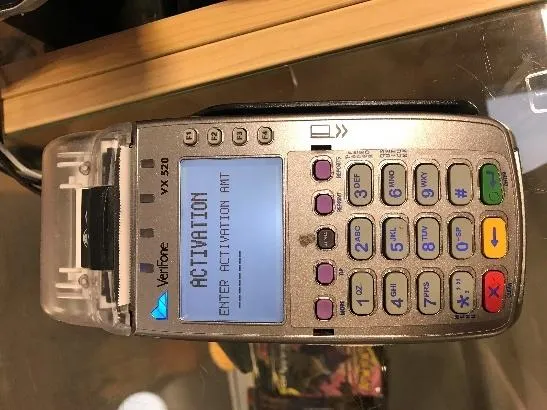
Paying with a gift card
Section titled “Paying with a gift card”Use this to take money off a gift card. You’ve already chosen F3, Purchase.
-
Swipe the gift card, or key in its number.
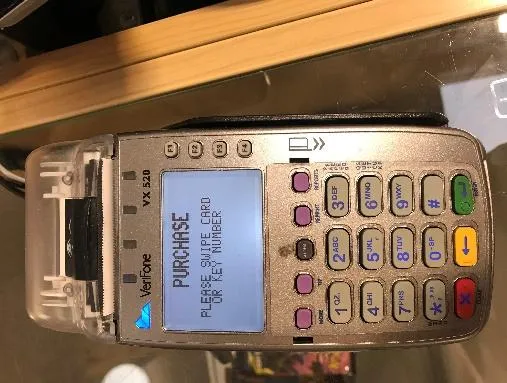
-
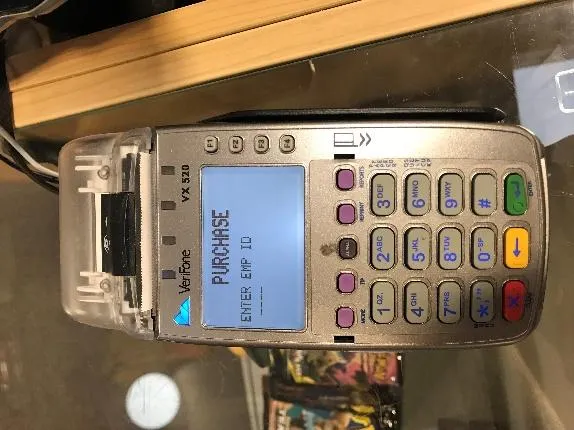
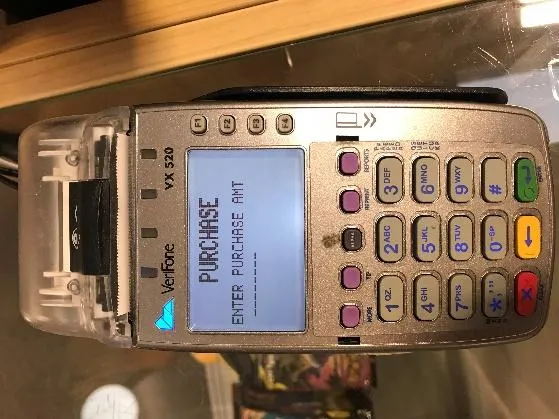
When asked, enter your employee ID and the purchase amount, pressing the green Enter button after each.
-
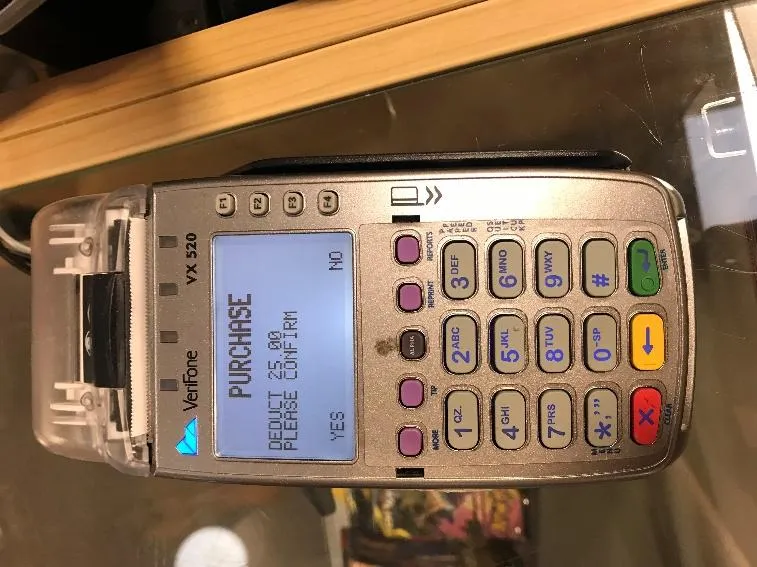
The Verifone asks you to confirm the amount to take off the card.
- If the amount is correct, press the first purple button.
- If it’s wrong, press the last purple button.
-
A receipt prints with the card’s new balance.
-
If the card now has a zero balance, hold on to it so we can reuse it.
Checking a balance
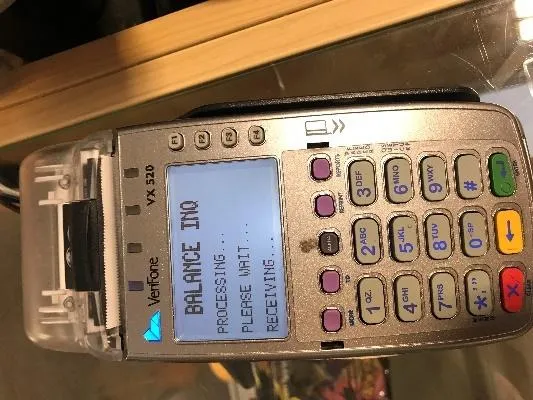
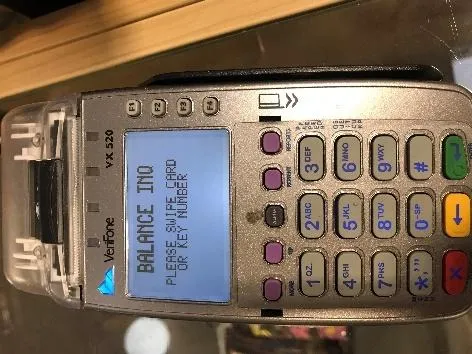
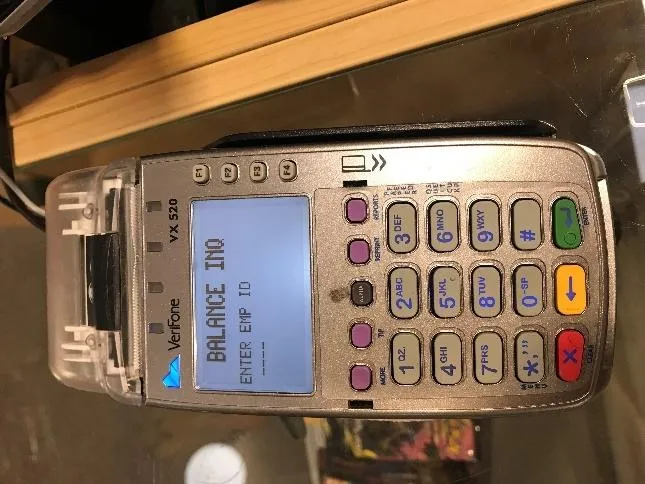
Section titled “Checking a balance”Use this when a customer doesn’t know how much is on their card. You’ve already chosen F4, Balance Inq.
-
Swipe the gift card, or key in its number.
-
When asked, enter your employee ID and press the green Enter button.
-
The Verifone prints a receipt with the card’s current balance.